

Documentation Index
Fetch the complete documentation index at: https://testing.roycewilliams.xyz/llms.txt
Use this file to discover all available pages before exploring further.
Prerequisites:
- Node.js version 19 or higher
- A docs repository with a
docs.jsonfile
Install the Mintlify CLI
Custom ports
By default, Mintlify uses port 3000. You can customize the port Mintlify runs on by using the--port flag. For example, to run Mintlify on port 3333, use this command:
Mintlify versions
Please note that each CLI release is associated with a specific version of Mintlify. If your local preview does not align with the production version, please update the CLI:Validating links
The CLI can assist with validating links in your documentation. To identify any broken links, use the following command:Deployment
If the deployment is successful, you should see the following: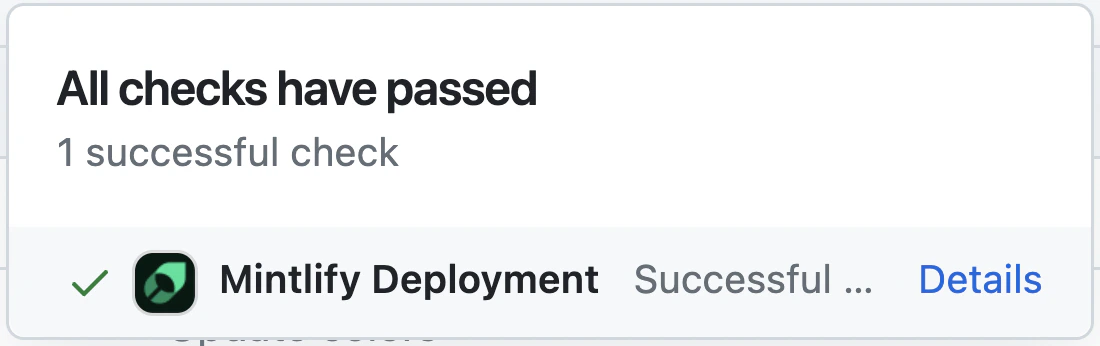
Code formatting
We suggest using extensions on your IDE to recognize and format MDX. If you’re a VSCode user, consider the MDX VSCode extension for syntax highlighting, and Prettier for code formatting. You can also check out this broken link example to see how broken links appear.Troubleshooting
Error: Could not load the "sharp" module using the darwin-arm64 runtime
Error: Could not load the "sharp" module using the darwin-arm64 runtime
This may be due to an outdated version of node. Try the following:
- Remove the currently-installed version of the CLI:
npm remove -g mint - Upgrade to Node v19 or higher.
- Reinstall the CLI:
npm i -g mint
Issue: Encountering an unknown error
Issue: Encountering an unknown error
Solution: Go to the root of your device and delete the
~/.mintlify folder. Then run mint dev again.